Hire your first AI assistant.

A teammate that works while you’re off running the world.

Inboxyou@email.com
R
R. MehtaYesterday

Kitchen remodel: contractor update

New timeline looks like mid-May...

L
L. HuangYesterday

Q2 Budget Review

Draft attached. Let me know if the numbers...

S
S. WintersMon

Re: Project Checklist

See attached. Flagged two items...

T
T. MorrisonMon

Re: Lease Agreement

Updated draft per the landlord’s comments...

Get Started Free

Free for 7 days · No credit card · Name your own agent · Works with Gmail & Outlook · SOC 2

Have an account already? Login

An assistant for the work

that falls through the cracks.

On Deck, you create your own assistant and set it on autopilot.

Handle complex email threads

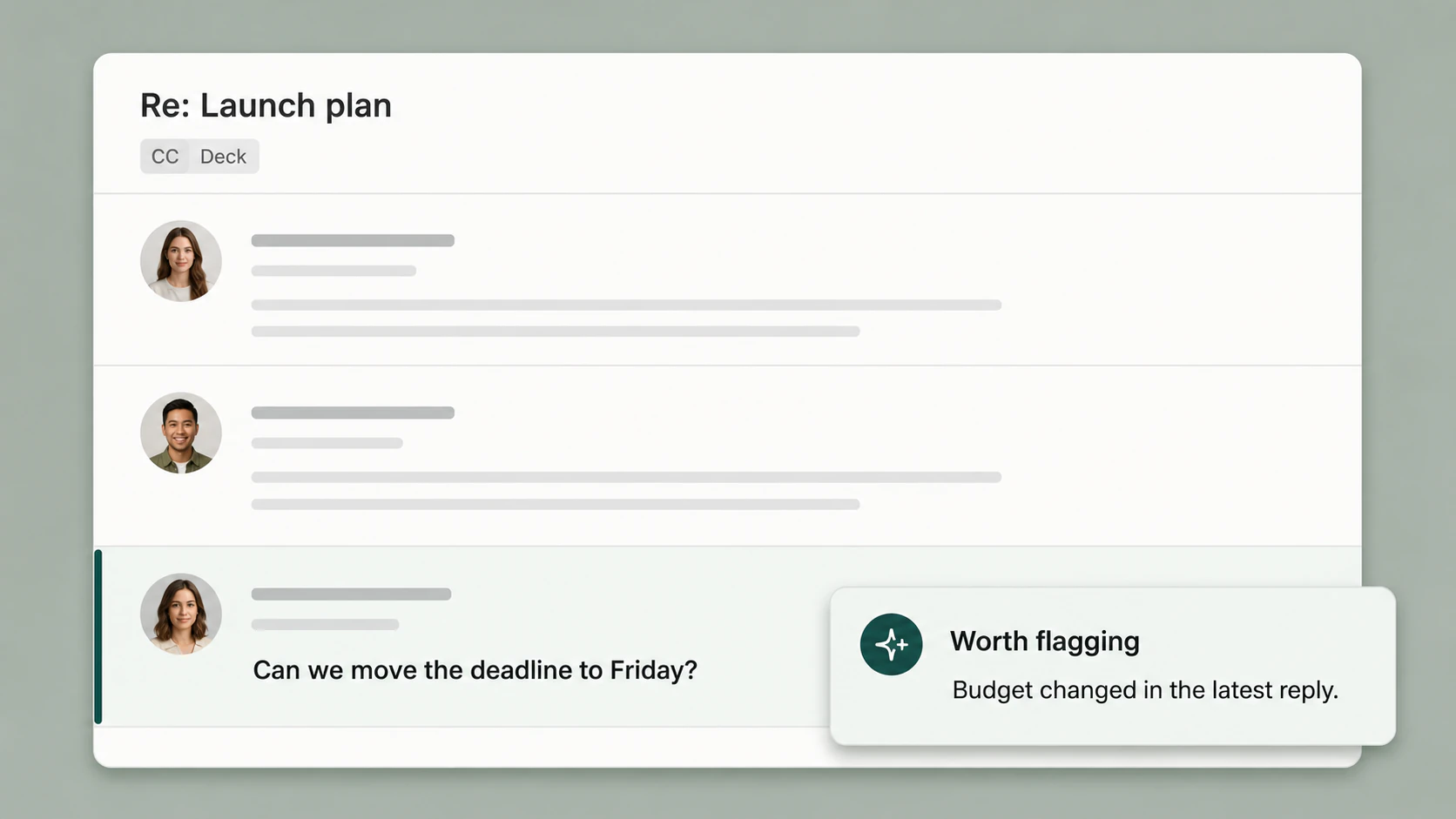
Forward any thread. It reads it alongside context from your connected apps and docs, then takes the next steps.

Subscribe to newsletters and lists

It joins the feeds and industry lists you never get to, then sends tailored summaries in your voice.

A teammate that never sleeps

Reads every meeting, thread, and document. Advances your work in the background. No prompts, just momentum.

Research anyone or anything

Companies, people, topics. It does the digging so you walk into every call prepared.

Run overnight tasks

Hand it an objective before bed. Research, drafts, and triage, all ready by morning.

Automate daily workflows

Standup prep and end-of-day wrap, on schedule across Slack, Linear, and more.

How it works, day to day

Set it up once. It takes it from there.

Give it a name and an inbox of its own.

Call it whatever fits. It gets its own email address, so reaching it is as easy as messaging a coworker.

You choose your assistant's name
@agent.hellodeck.ai

No app to install, no inbox to migrate.

Keep the email you already have. You forward a message or CC its address, and it picks up from there. Nothing to set up inside Gmail, Outlook, or Superhuman.

Gmail logo
Outlook logo
Superhuman logo

Plus any other email provider you use.

It remembers how you work.

How you write, who's important, what to guard. Tell it once and it shows up in everything it does for you.

Hands writing in a journal beside a coffee in warm natural light

I'm juggling a busy team and a dog who thinks he runs the place. Keep things short and warm, guard my evenings, and flag anything from the board the second it lands.

Works with your tools
SlackGoogle CalendarFirefliesGranolaDocusign

CC it on a thread, or ask it directly.

It catches up on its own and gives you another set of eyes in the conversation.

It only ever replies to you.
Alex Park

Re: Trellis proposal + pricing

from Alex Park·to You

ccjune@agent.hellodeck.ai

Sending over the Trellis proposal and final pricing ahead of our call Thursday. Take a look when you get a chance and let me know if the terms work on your end.

Juneonly you can see this

Before you reply: the contract auto-renews unless you cancel 60 days out, and there's a data-migration fee buried on page 4. Want me to draft your reply flagging both?

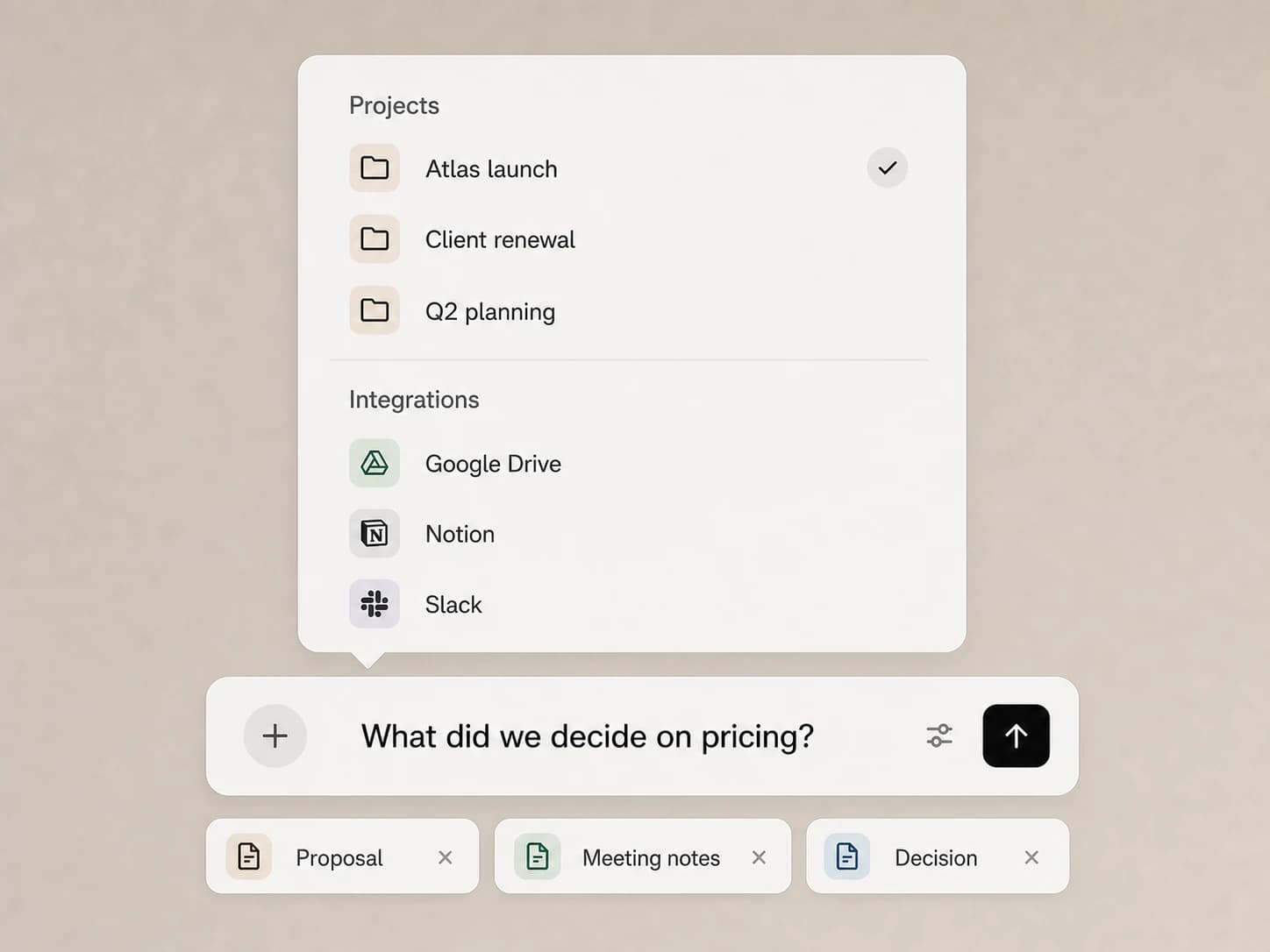
Ask a question or hand off a task, it does the work.

Your assistant can connect the dots across your tools, line up what's next and tie up loose ends.

TodayWed · Jun 4
9:00
Team standup
11:00
Open · gym block
2:00
Review draft
4:00
Jeremy — pricing
Call notesAcme · Mon
Wants pricing by Friday
Weighing us against two others
Sign-off by end of Q3
# acme-dealSlack
Karl9:42
Can you get Q3 numbers over before the Jeremy call?
June9:43
On it. Pulling them from the deck now.
Acme Corp
HubSpot · Deal
StageProposal sent
Value$48K / yr
Last touch3 days ago
Today's list2 / 4
  • Reply to Karl
  • Send Q3 numbers
  • Prep Jeremy one-pager
  • Hold 11–12 for gym

Set up routines that run on your schedule.

Tell it what you want handled on a schedule: a brief of the day’s meetings, a weekly read on an account, a watch on a competitor. It runs the research and emails you the result.

Scheduled · Every morning

Send me a brief of today’s meetings from Calendar, cross-referenced with my Granola notes.

Your assistant7:00 AM

Five meetings today, back to back. Only the 4 PM with Jeremy needs real prep: your notes have him comparing pricing tiers, so I drafted a one-pager and left it in your inbox. 11 to 12 is your one open block.

Always on, so you don't have to be.

Vigil is your assistant's world engine. It checks in throughout your day and gives you a heads up on everything on your plate.

A hiker on a wooden boardwalk path heading toward snow-capped mountains
Vigil9:14 AM

Jeremy hasn't replied to your pricing note in 5 days. Want me to draft a follow-up?

You'll forget how you worked

without it.

Think of it as a notetaker for your whole life. Every thread, file, and detail stays remembered and ready the moment you need it.

Without Deck
Re: Re: Re: Q3 Budget
Lost in thread
Fwd: Can someone summarize?
No response
Where's the latest version?
3 days ago
Follow up: did we hear back?
Missed deadline
Prep for tomorrow's meeting
Unread
With Deck
Inbox
R. Mehta
R. MehtaYesterday

Vacation rental: booking confirmed

Check-in is Saturday at 3pm...

S. Winters
S. WintersMon

Re: Project Checklist

See attached. Flagged two items...

K. Li
K. LiMar 14

Meeting Notes: 3/14

Notes from the team call attached

Enterprise-grade security · SOC 2 & GDPR · Never trained on your data

I CC'd it on a client thread just to see what it would do. Weeks later it caught that the work had quietly drifted past what we'd agreed to. I haven't worked without it since.

Consultant

Forwarding it an email feels exactly like looping in a teammate. It stays in the thread for weeks, and every reply comes back with the full context already loaded. No re-briefing.

Deal Lead

I wanted a real assistant on my work email, without wiring anything up. It loops in like a teammate, works through the night, and I never have to think about access or security.

Operator

I started forwarding it the family logistics I always let pile up. Field trip slips, doctor reminders, birthday RSVPs. It keeps track and nudges me before anything slips, like a second set of hands on the household.

Working Parent

It's only
an email address.

Add Deck to any thread the way you'd CC a teammate. No setup, no permissions dance. Just a quiet inbox companion.

GmailOutlookSuperhuman
Permissioned accessRevocable any timeSOC 2 · GDPRNever trained on your data
Send your first thread
Compose
Toteam@hellodeck.ai
CCdeck@hellodeck.ai
SubjRe: Q3 budget review
Fromyou@company.com
Integrates with the tools you already use
Notion
Granola
Drive
Gmail
Fireflies
HubSpot
Outlook
Google Calendar
SharePoint
Slack

100s of integrations on the roadmap — request yours

Simple pricing

Start free. Upgrade when you can't live without it.

MonthlyAnnualSave 14%

Pro

Popular7-day free trial
$29.99/user/mo

Persistent memory, shared context, and always-on monitoring for you and your team.

Everything in Free, plus

  • Unlimited messages
  • Unlimited projects, files and context
  • Persistent Memory
  • Agent customization
  • Tone & style learning
  • All integrations
  • Scheduled routines
  • Vigil for always-on monitoring
  • Priority email and chat support
  • Enterprise-grade security (SOC 2 + GDPR)
Get Started Free

Free for 7 days. No credit card.

Have an account already? Login

The work was never the email. It was everything around it.

Your address will look like
you@agent.hellodeck.aiClaim my address
7 days freeNo credit cardName your agentFirst thread in 30 seconds

Already have an account? Login →